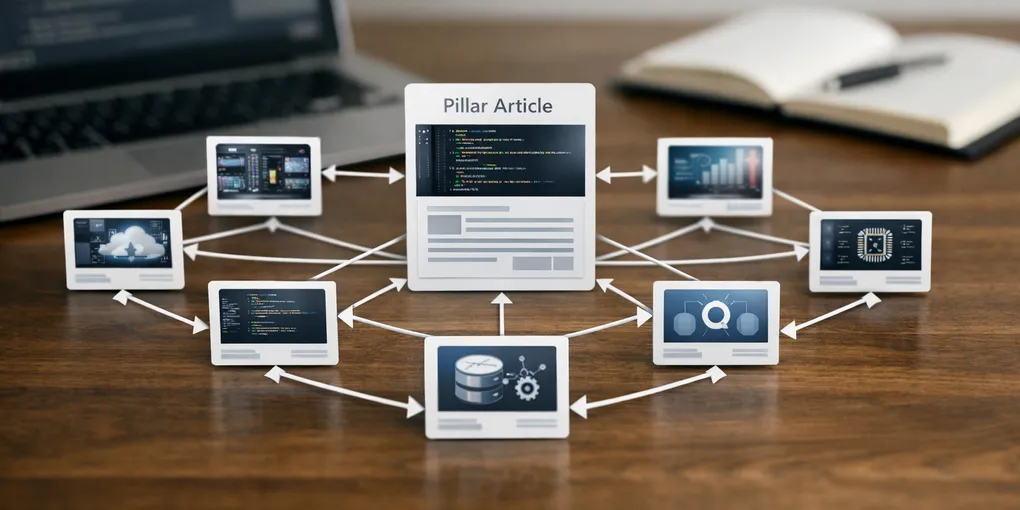
Stop using random related posts: a topic cluster strategy for tech blogs
Technical blogs usually add internal links too late. A new post goes live, then someone adds two or three related links at the end and calls it a structure. That is not a cluster. It is just cleanup after publishing.
Use the technical blog operations unit page as the index for the follow-up posts on topic selection, review loops, image rules, and publishing structure. If you need a baseline operating checklist first, start with the rules you should fix first.
1. Start from a topic unit, not a link widget
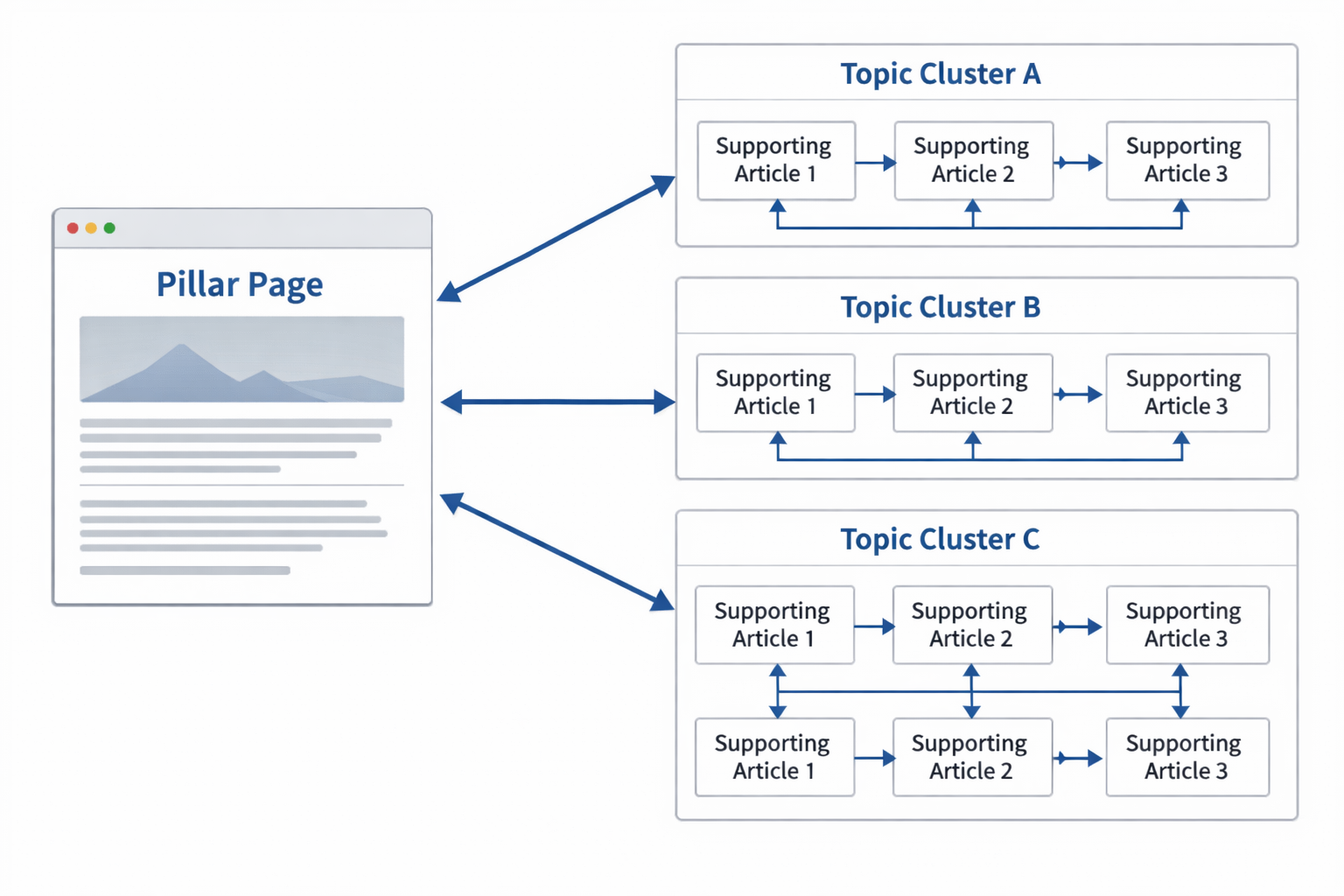
The real design unit is the topic cluster. Decide which post is the pillar, which posts support it, and which next-click path makes sense for a reader who is still trying to understand the topic.
2. Each post should know its role
A pillar post explains the frame. A support post solves one narrower problem. A comparison post helps a decision. Internal links should reflect that role instead of pointing everywhere equally.
3. Link depth should follow reading intent
If the reader is still at the baseline stage, send them to another clarifying post, not to an unrelated edge case. Good internal links match the next question the reader is likely to ask.
4. Build repeatable link patterns
Use a small pattern: pillar -> support, support -> pillar, support -> adjacent support, and support -> next action. That is enough to make the cluster feel intentional.
For example, a pillar about React performance can point to support posts on memoization, image loading, and bundle splitting, while each support post points back to the pillar and one adjacent support post.
Another example:
- Pillar: “React performance guide”
- Support: “When to use memoization”
- Support: “Image loading checklist”
- Comparison: “CSR vs SSR for performance”
What to do first
Pick one topic you already own and draw the pillar plus three support posts around it. If your current internal links do not reflect that map, the cluster is still accidental.